

Build Custom Profile Pictures for Brand Accounts

A profile picture is the smallest piece of real estate a brand owns online, and also one of the most frequently seen. sitting next to every comment, every post, every direct message. Despite that, it’s often the last thing anyone thinks carefully about, usually just a logo dropped in and forgotten.
An AI image generation tool changes how much effort that decision actually takes, making it realistic to design a profile picture that holds up at a tiny circular size across every platform. Dreamina’s advanced image generation capabilities make this especially easy, since it can generate and refine options in the same session instead of requiring a separate design tool.
Why the tiny size changes everything
Most design instincts are built around large canvases, but a profile picture is viewed at a fraction of that size. sometimes as small as 40 pixels wide in a comment thread. Fine details, thin lines, and busy backgrounds disappear entirely at that scale.
Designing specifically for the small, circular crop from the beginning avoids the disappointment of a beautiful image that turns into a blur once uploaded.
Deciding between a mascot, a mark, or a photo-style avatar
Brand profile pictures generally fall into one of three categories:
- A character or mascot that gives the brand a face
- A simplified logo mark or icon
- A stylized photo-based avatar, common for personal or founder-led brands
Each has its place, but mixing styles across platforms breaks recognition, so it’s worth picking one lane and staying in it.
Designing specifically for a circular crop
Square images get cropped into circles on most platforms, which means anything sitting in the corners of the original image gets cut off. Keep the important elements — the face, the icon, the focal point centered and padded well away from the edges so nothing important is lost in the crop.
Creating the avatar with Dreamina
Step 1: Write a text prompt
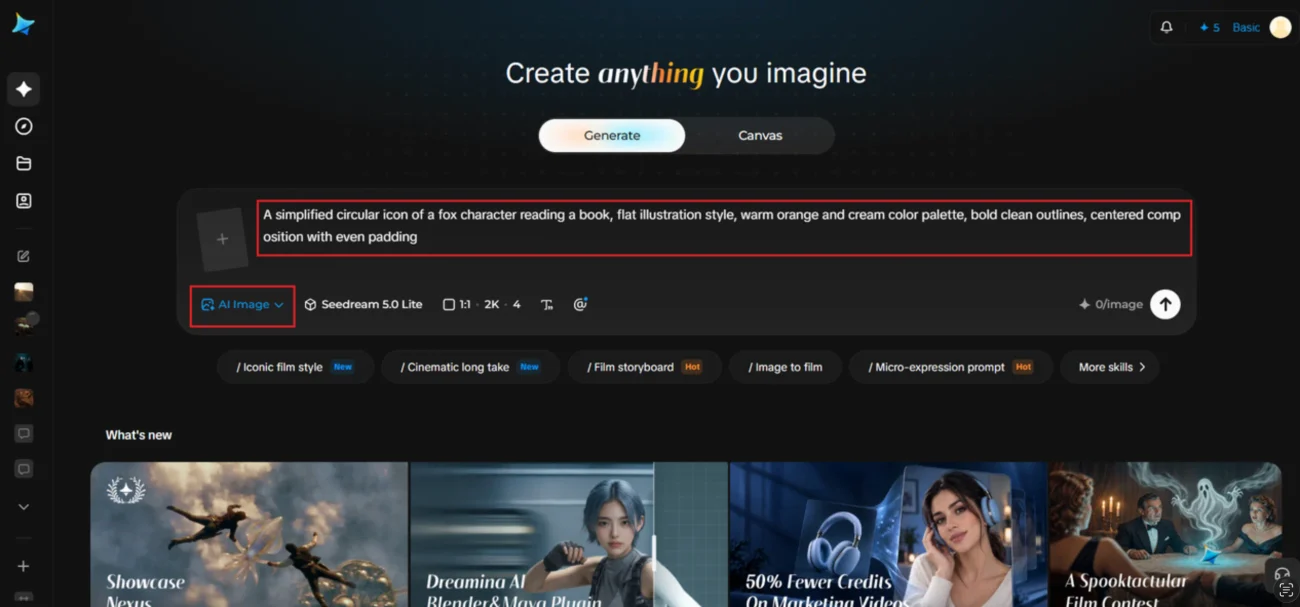
Open Dreamina and describe your avatar concept with the circular crop in mind — mention centered composition and even padding around the edges.
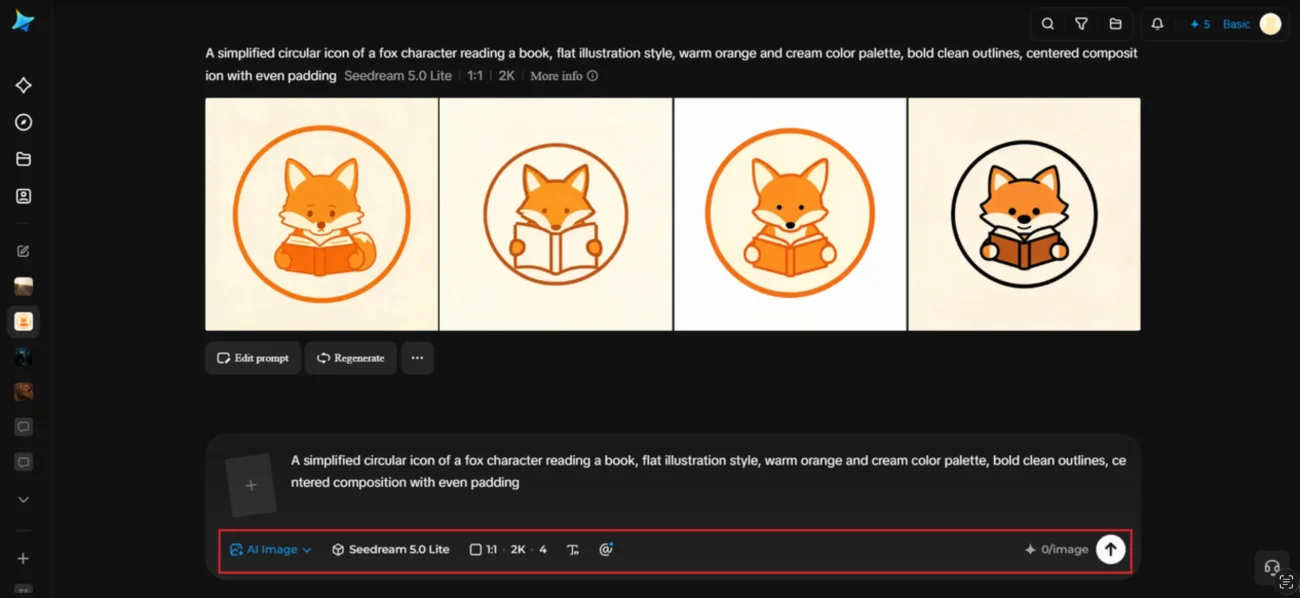
For this fox mascot, a prompt like: A simplified circular icon of a fox character reading a book, flat illustration style, warm orange and cream color palette, bold clean outlines, centered composition with even padding
If there’s an existing mascot or character sketch, upload it as a reference image to keep the new version consistent.
Step 2: Adjust parameters and generate
Choose Image 5.0 Pro by Seedream 5.0 Pro as your model for clean, well-centered results. Set the aspect ratio to square, since that’s the base shape most platforms crop into a circle, and select 1K for a quick check or 2K if you want a sharp master file to resize from later. Tap Dreamina’s generate icon to produce the avatar.
Step 3: Customize and download
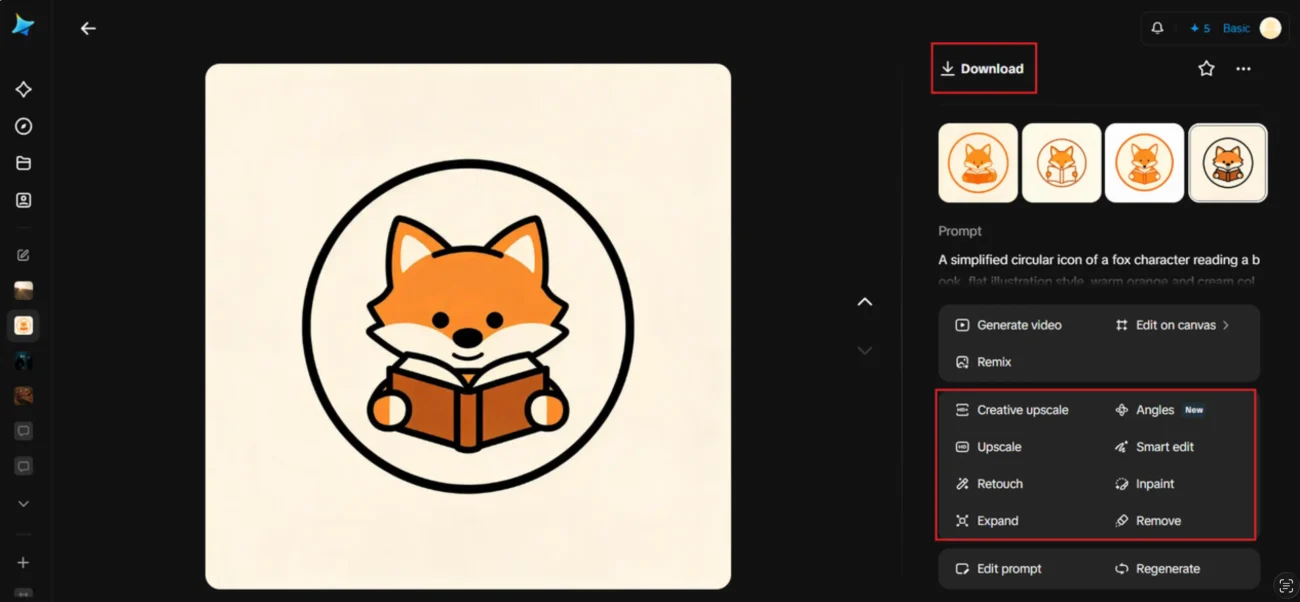
Use Dreamina’s editing tools to fine-tune the result — inpaint to adjust the character’s expression or a small detail, expand the canvas slightly if padding feels too tight, remove any stray background elements, and retouch outlines for crispness. Once it looks right, click download and save your final avatar file.
The models Dreamina offers for avatar and character work
Character-driven avatars benefit from a model that handles clean shapes and consistent style well, and this is an area where Dreamina’s model lineup really shows its range. Seedream 5.0 Pro, the platform’s latest and most capable model, produces sharp, consistent results that hold up even when scaled down to a small circular crop, making it the strongest starting point for most brand avatars.
Nano Banana leans into a softer, more playful illustration style, which suits mascot-style avatars that want to feel approachable and a little whimsical. GPT Image 2 is available as a further option for comparing a different stylistic take on the same character before settling on the final version. Testing a concept across a couple of these models is a quick way to find the exact tone that fits the brand.
Avoiding the most common avatar mistakes
- Using a busy, detailed illustration that turns to mush at small sizes
- Off-center compositions that lose key elements in the circular crop
- Switching avatar styles too often, which breaks recognition
- Using different profile pictures across different platforms
A variation for a seasonal profile refresh
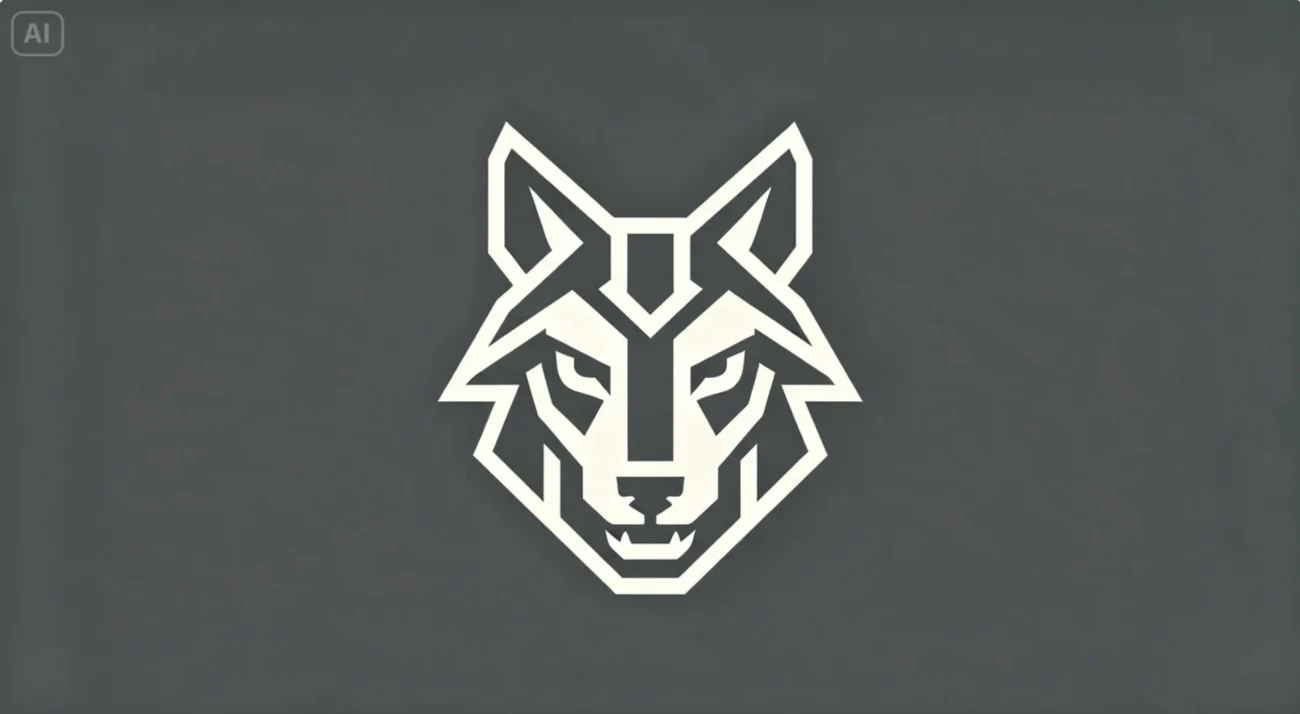
Some brands like to refresh their profile picture for a holiday or seasonal campaign while keeping the core identity recognizable. Here’s a related prompt, close to the original but with a seasonal twist: a simplified circular icon of a wolf character, flat illustration style, warm orange and cream palette with a touch of deep red, bold clean outlines, centered composition with even padding. The character and palette stay familiar, with just enough change to feel timely.
Testing legibility before committing
Before finalizing, shrink the generated image down to actual profile picture size and view it against both a light and dark app background. If any detail disappears or the shape reads unclear at that size, it’s worth simplifying further before publishing.
Keeping consistency across every platform
A profile picture works hardest when it’s identical everywhere:
- Same image across every social platform, not a slightly different crop each time
- Same version used in email signatures and website headers
- Updated everywhere at once if a refresh happens, never left half-updated
Wrapping up
A brand’s profile picture might be small, but it’s seen constantly, which makes it worth designing on purpose rather than as an afterthought.
With a composition built for the circular crop from the start and Dreamina handling both generation and refinement, a business can land on an avatar that stays sharp, recognizable, and consistent everywhere it appears.